
Phase 1: Python Programming With AI Basics (Beginner Level)
1. Introduction to Python Programming with AI
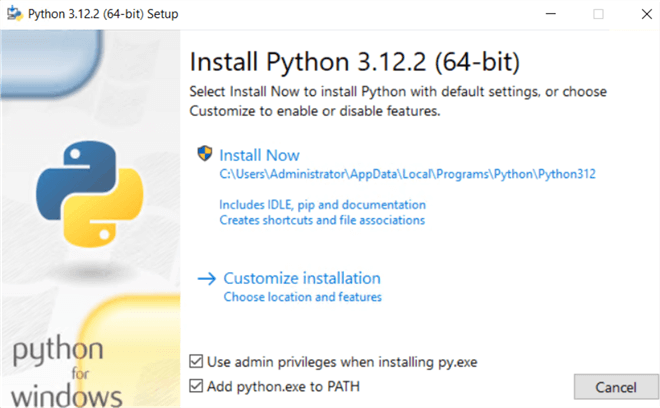
Python is a simple and powerful programming language that is used everywhere – AI, websites, mobile apps, data science, automation, and even robots. Its language is as simple as English, which makes it the best choice for beginners. To use Python, you need to install it on your system and write code using tools like IDLE, VS Code, or Jupyter Notebook. Your very first program is printing “Hello World,” which is a tradition when starting programming. Python Programming With AI is the best way to learn how artificial intelligence works.
2. Basic Syntax & Variables In Python-based AI Programming
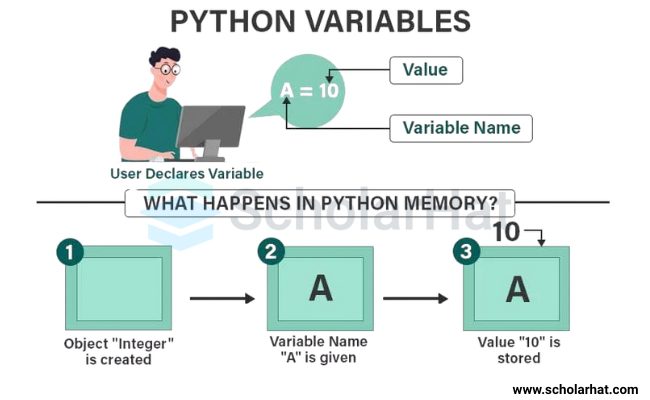
Python’s style is very clean. Instead of curly brackets, it uses spacing and indentation. Variables mean storing data by giving it a name, such as numbers, text, decimal values, or true/false. To make code readable, comments are written. In Python, users can also give input, such as their name, age, or choice.
3. Operators & AI Projects in Python
Operators are symbols that help in calculation and comparison. Arithmetic operators perform addition, subtraction, multiplication, and division. Comparison operators compare two values, like greater, smaller, or equal. Logical operators check conditions such as “and,” “or,” and “not.” Assignment operators are used to update values. A simple calculator can be made using these operators to add, subtract, or multiply two numbers.
4. Conditional Statements
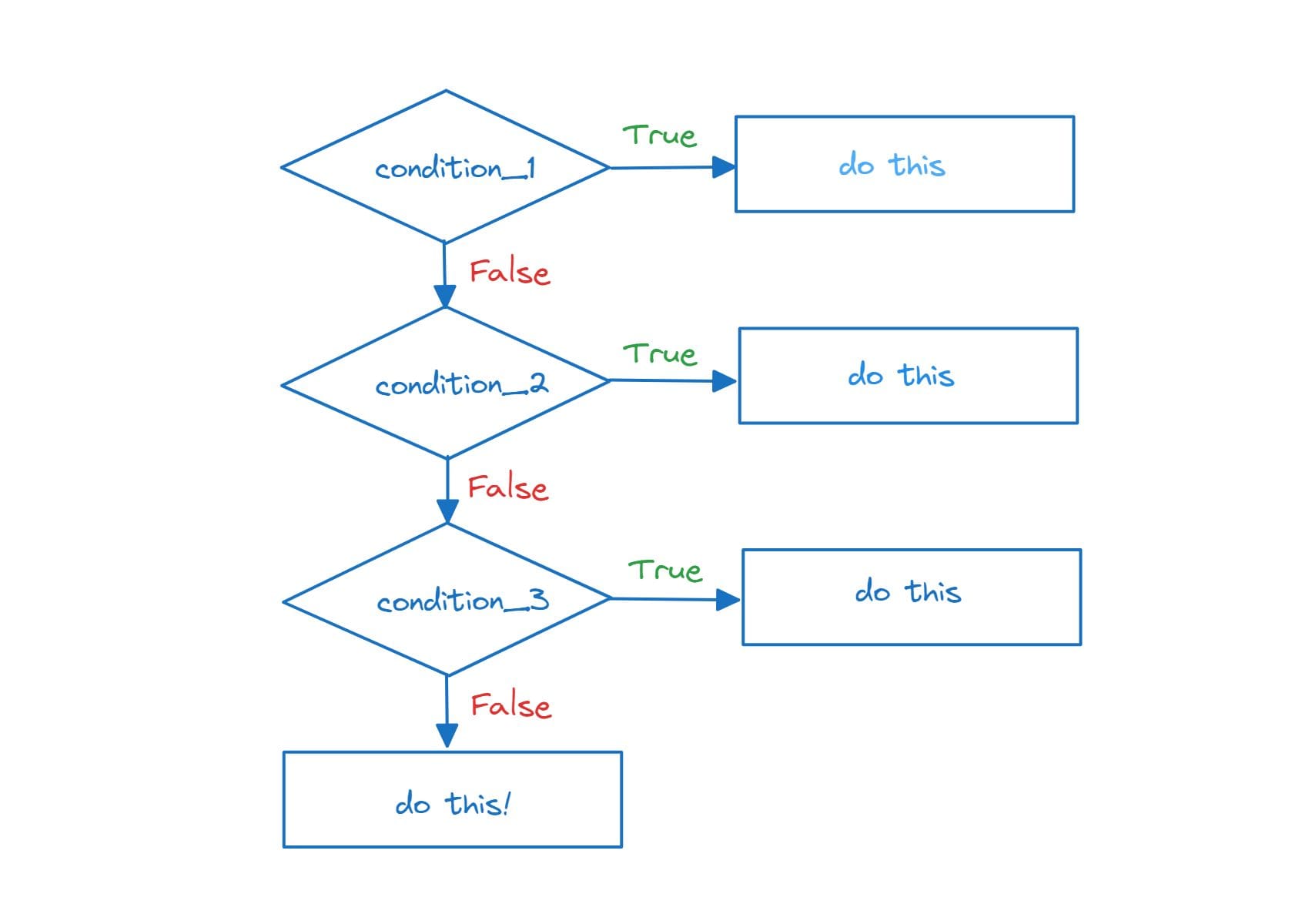
Conditional statements give programs the power to make decisions. If a condition is true, one task will happen, otherwise another. For this, “if,” “else,” and “elif” are used. Nested conditions also exist, where one condition is inside another. A real-life example is an AI chatbot that replies differently based on the user’s mood – if the user says “happy,” the chatbot shows happiness; if the user says “sad,” it motivates them. Many beginners start their journey through Python Programming With AI because it is easy and powerful.
5. Loops
Loops are used to repeat the same task multiple times without writing extra code. A “for” loop repeats a fixed number of times, and a “while” loop continues as long as the condition is true. To stop a loop in between, “break” is used; to continue to the next round, “continue” is used; and if nothing should be done, “pass” is used. Loops are used everywhere – like printing numbers, searching in a list, or automating daily routines.
6. Functions
Functions are like small boxes where you can write code and use it again and again. They make the code clean and reusable. Functions can also take input data (parameters) and give output (return value). A special type of function is a lambda function, which is written in short form. In real life, functions are very helpful – for example, creating a “calculate_salary” function to calculate each employee’s salary.
7. Data Structures
To organize data, Python provides different containers. A list is an ordered box where items can be added or removed. A tuple is similar to a list, but its values cannot be changed. A set is unordered and only contains unique items. A dictionary is a different structure that stores data in key-value pairs, like a contact book with names and numbers. Real-life examples include making a grocery list, saving contacts, or creating a set of colors to remove duplicates.
8. String Manipulation AI Projects in Python
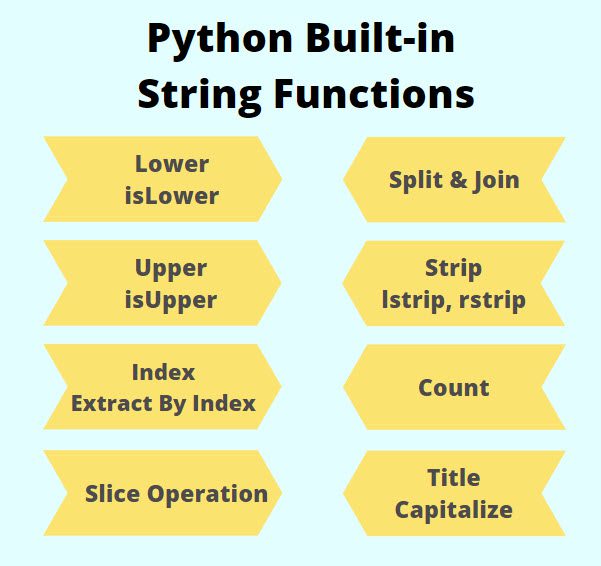
A string means text. In Python, many operations can be done with strings, such as extracting a part of a word (slicing), converting text to uppercase, replacing text, or splitting it into separate words. Formatting is used to decorate text. The biggest use of string manipulation is in NLP (Natural Language Processing), where text is cleaned and processed to make it understandable for AI – for example, when building a chatbot to understand the user’s messages.
Phase 2: Intermediate Python Programming with AI
File Handling
File handling in Python Programming With AI lets you work with external files like .txt or .csv. You can read data from a file, write new information, or append extra content without deleting the old one. This is super useful for saving user input or logs. For example, you can create a program that stores user details in a text file or exports data to a CSV file that can later be opened in Excel.
Exception Handling
Sometimes your program may face errors like dividing by zero or opening a missing file. Instead of crashing, Python gives you exception handling. Using try, except, finally blocks, you can safely handle errors and keep your program running smoothly. You can even raise errors manually to warn users about wrong input. This is important when building reliable software that doesn’t stop suddenly.
Object-Oriented Programming (OOP)
OOP is a way of organizing your code into reusable classes and objects. A class is like a blueprint, and an object is the actual item built from it. You can use constructors (init) to automatically set values when creating objects. With concepts like inheritance, one class can use features of another; encapsulation hides sensitive data; and polymorphism allows one function to work in different ways. A fun example is building a robot class where robots can move, talk, or perform tasks, and you can easily extend these features.
Modules and Libraries inArtificial Intelligence using Python
Python has a huge collection of ready-made tools called modules and libraries. You can import modules like math (for advanced calculations), random (for generating random numbers), or datetime (for working with dates and time). You can also create your own module by writing reusable functions and importing them in multiple projects. This keeps your code clean and modular.
Virtual Environments & Pip
When working on multiple projects, each may need different versions of libraries. To avoid conflicts, Python provides virtual environments, which are isolated spaces for each project. You can install only the packages you need without affecting other projects. Using pip (Python’s package manager), you can easily install libraries like NumPy, Pandas, or Flask with a single command. This makes Python projects more organized and professional.
Phase 3: Python Programming with AI for Data Handling
NumPy
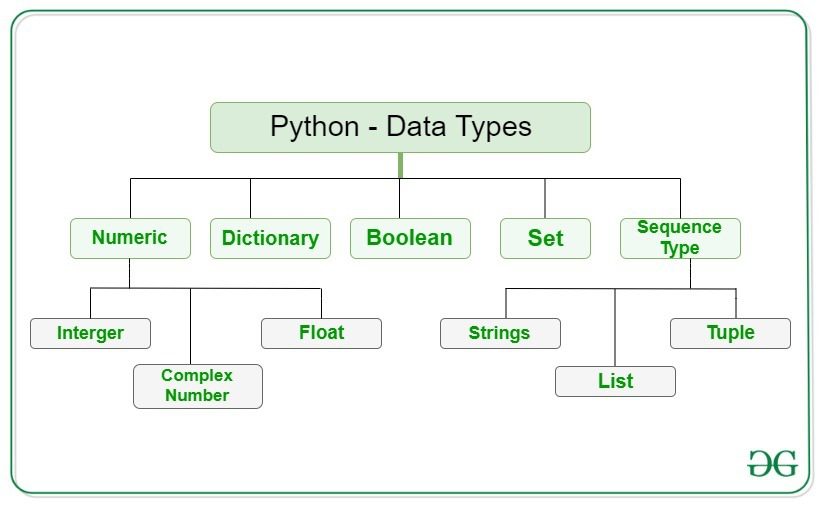
NumPy is a powerful Python library for numerical computing. Unlike normal Python lists, NumPy arrays are faster and use less memory, making them perfect for handling large datasets. You can perform quick array operations like addition, multiplication, or reshaping without writing complex loops. It also comes with built-in statistics and math functions such as mean, median, standard deviation, trigonometry, and linear algebra, which are super useful in data analysis and machine learning.
Pandas
Pandas is like Excel inside Python. It provides two main data structures: Series (1D data) and DataFrames (2D tables). With Pandas, you can easily read CSV and Excel files, clean messy data, and organize it into a readable format. It also allows you to filter, sort, and group data quickly. For example, you can analyze sales data by grouping it by month or product. Pandas is one of the most used libraries for data wrangling in real-world projects.
Data Visualization
Data visualization is about turning raw numbers into meaningful charts and graphs. With Matplotlib, you can create simple line plots, bar charts, and histograms to understand trends and patterns. Seaborn builds on top of Matplotlib and makes it easy to create beautiful charts like heatmaps (for correlations) or pair plots (to see relationships between variables). Visualization helps you tell a story with your data.
Real Project
To bring everything together, you can work on a project like analyzing the Titanic dataset (predict who survived) or COVID-19 data (study cases and trends). You’ll use Pandas to clean and prepare the data, NumPy for calculations, and Matplotlib/Seaborn for visualization. Finally, you’ll draw meaningful conclusions from the dataset, just like a real data analyst or scientist would do.
Phase 4: Python Programming with AI (Machine Learning)
Introduction to AI & ML
Artificial Intelligence (AI) is the ability of machines to perform tasks that normally require human intelligence, such as recognizing speech, making decisions, or translating languages. Machine Learning (ML) is a branch of AI where machines learn from data instead of being explicitly programmed. Deep Learning goes even further by using neural networks, inspired by the human brain, to handle complex tasks like image recognition and self-driving cars.
Types of Machine Learning in Python for Artificial Intelligence
- Supervised Learning: The machine is trained on labeled data (input + correct answer). Example: predicting house prices from past data.
- Unsupervised Learning: The machine finds hidden patterns in data without labels. Example: grouping customers based on shopping habits.
- Reinforcement Learning: The machine learns by trial and error, getting rewards or penalties. Example: training a robot to walk or an AI to play chess.
Scikit-learn Basics
Scikit-learn is one of the most popular ML libraries in Python Programming With AI. It provides ready-made tools to train, test, and evaluate machine learning models.
- Train-test split: Dividing data into training (to teach the model) and testing (to check performance).
- Accuracy score: Measures how well the model predicts correctly.
- Confusion matrix: Gives a detailed breakdown of correct and incorrect predictions, helping us understand errors better.
Supervised Learning Algorithms
- Linear Regression: Used for predicting continuous values, like predicting the price of a house based on its size.
- Logistic Regression: Despite the name, it’s used for classification, like predicting whether an email is spam or not.
- Decision Trees & Random Forest: Decision Trees split data step by step (like a flowchart), while Random Forest uses many decision trees together for higher accuracy.
Unsupervised Learning
- Clustering (K-Means): Groups similar data points together. For example, segmenting customers into groups for targeted marketing.
- Dimensionality Reduction (PCA): Simplifies data by reducing the number of features while keeping important information. Example: compressing image data for faster processing.
Model Evaluation
Building a model is not enough; we must check if it performs well on unseen data.
- Overfitting: When a model memorizes training data too much and fails on new data.
- Underfitting: When a model is too simple and cannot capture the patterns in data.
- Cross-validation: Splits data into multiple parts to ensure the model is tested fairly.
- Grid Search: Automatically finds the best parameters for a model to improve performance.
Mini ML Projects
- Predict House Prices – Use regression models to estimate house prices based on size, location, and features.
- Detect Spam Messages – Use classification algorithms to separate spam emails from genuine ones.
- Classify Handwritten Digits (MNIST) – Use image classification to recognize handwritten numbers, a classic beginner project in ML.
Phase 5: Python Programming with AI for Deep Learning (Using AI Libraries)
TensorFlow & Keras Basics
TensorFlow is one of the most powerful deep learning frameworks, and Keras is its high-level API that makes building neural networks simple. The first step is installing TensorFlow using pip. With Keras, you can create neural networks in just a few lines of code. Neural networks are made up of layers of neurons that process data step by step. Activation functions like ReLU (Rectified Linear Unit) and Sigmoid are mathematical formulas that help the network learn complex patterns. ReLU is commonly used in hidden layers, while Sigmoid is useful for binary classification problems like yes/no predictions.
Image Classification
Image classification is one of the most popular applications in Python Programming With AI. For this task, we use Convolutional Neural Networks (CNNs). CNNs are specially designed to detect patterns in images such as edges, colors, and shapes. Datasets like CIFAR-10 or Fashion MNIST are commonly used for training image classifiers. CIFAR-10 contains 60,000 small images across 10 classes (like airplanes, cars, dogs), while Fashion MNIST has images of clothes and accessories. With CNNs, machines can learn to differentiate between these categories automatically.
Natural Language Processing (NLP)
NLP is the field of AI that deals with human language. Before a computer can understand text, it needs to process it. Tokenization breaks sentences into words, stemming reduces words to their base form (like “running” → “run”), and lemmatization is a smarter version that keeps words meaningful (like “better” → “good”). One common NLP task is sentiment analysis, where the model predicts if text is positive, negative, or neutral. Another exciting project is building a simple chatbot that can reply to user queries. This introduces the foundation of conversational AI.
Advanced Topics (Optional)
Once you are comfortable with the basics, you can explore advanced AI concepts. Transfer Learning allows you to use pre-trained models (like ResNet, VGG, or BERT) to save time and improve accuracy. Generative AI, especially GANs (Generative Adversarial Networks), can create new images, music, or even text by learning from existing data. Object detection is another advanced topic where the AI doesn’t just classify an image but also identifies and locates multiple objects within it. These advanced topics prepare you for real-world AI applications at scale.
Phase 6: Final Projects + Deployment ( Python Programming with AI)
Real AI Projects
The best way to master AI is by working on real projects. One exciting project is building an AI Personal Assistant (like a text-based Siri or Alexa). It can perform simple tasks such as answering questions, checking the time, or searching the web. Another great beginner-friendly idea is a Movie Recommendation System that suggests movies based on user preferences, ratings, or history. If you like computer vision, you can go for an Image Classifier App that identifies objects, clothes, or animals from pictures. These projects give you hands-on practice and make your learning more practical.
Web + AI (Bonus)
AI becomes more powerful when combined with web applications. For this, Flask is a lightweight web framework that lets you build simple websites to showcase your AI models. For example, you can create a webpage where users upload an image, and your trained AI model predicts what’s in it. This is how real AI-powered apps are built and shared. Flask helps connect your model with the front end so people can interact with it easily.
Deployment
Once your model is trained and working, the final step is deployment. This means making it available for others to use. You can export your model using Pickle or Joblib, which saves it as a file. Then, you can deploy it on platforms like Streamlit (great for quick interactive dashboards) or Heroku (for hosting web apps). Deployment ensures that your project isn’t just running on your laptop but is accessible online, just like real-world AI applications.
Learn Python Programming with AI from scratch on Coursera 👉 Click Here