
- Introduction: The Moment AI Stopped Assisting — and Started Acting (Claude computer)
- What is Claude Computer Use?
- How Claude computer Use Works
- What Makes Claude computer Use a Game-Changer?
- Real-World Use Cases (Where Money is Made)
- Claude computer vs Other AI Agents
- When Claude Uses Computer Control (Decision Logic)
- Key Advantages & Limitations
- Strategic Insight: Why This Changes Everything
- FuturFuture of AI: From Tools to Operatorse of AI: From Tools to Operators
- Key Takeaways
Introduction: The Moment AI Stopped Assisting — and Started Acting (Claude computer)
The evolution of AI has been predictable… until now.
With Claude computer capabilities, AI is no longer limited to generating text or code—it can actively operate your system. That means opening apps, clicking buttons, debugging UI issues, and even testing software like a human.
This shift is not just a feature update. It’s a fundamental leap from assistant → operator.
If you understand this deeply, you’re not just learning a tool—you’re positioning yourself ahead of a massive wave in AI automation. What is Claude Computer Use?
High-margin, scalable, global.
94% of Computer Jobs Exposed to AI — What the Latest Research Really Means
What is Claude Computer Use?

Claude computer use is a feature introduced by Anthropic that allows its AI model, Claude Code, to interact directly with your computer’s graphical interface.
Instead of just writing commands, Claude can:
- Open applications
- Click buttons
- Type text
- Navigate UI elements
- Capture screenshots
- Debug visual issues
In simple terms:
Claude can use your computer the way you do.
How Claude computer Use Works
At its core, this system runs through something called an MCP (Model Context Protocol) server.
Key Components:
- CLI Interface → Where you interact with Claude
- computer-use server → Enables system control
- macOS Permissions → Accessibility + Screen Recording
- Interactive Session → Required for real-time control
Setup Flow:
- Open CLI and run
/mcp - Enable
computer-useserver - Grant macOS permissions
- Restart session
- Start giving commands
Important:
- Only works on macOS (currently)
- Requires Pro or Max plan
- Not available in non-interactive mode
What Makes Claude computer Use a Game-Changer?
Most people underestimate this. Let’s break it down strategically.
Traditional AI:
- Generates output
- Needs human execution
Claude Computer:
- Generates + Executes
That’s a 10x productivity shift
Real-World Use Cases (Where Money is Made)
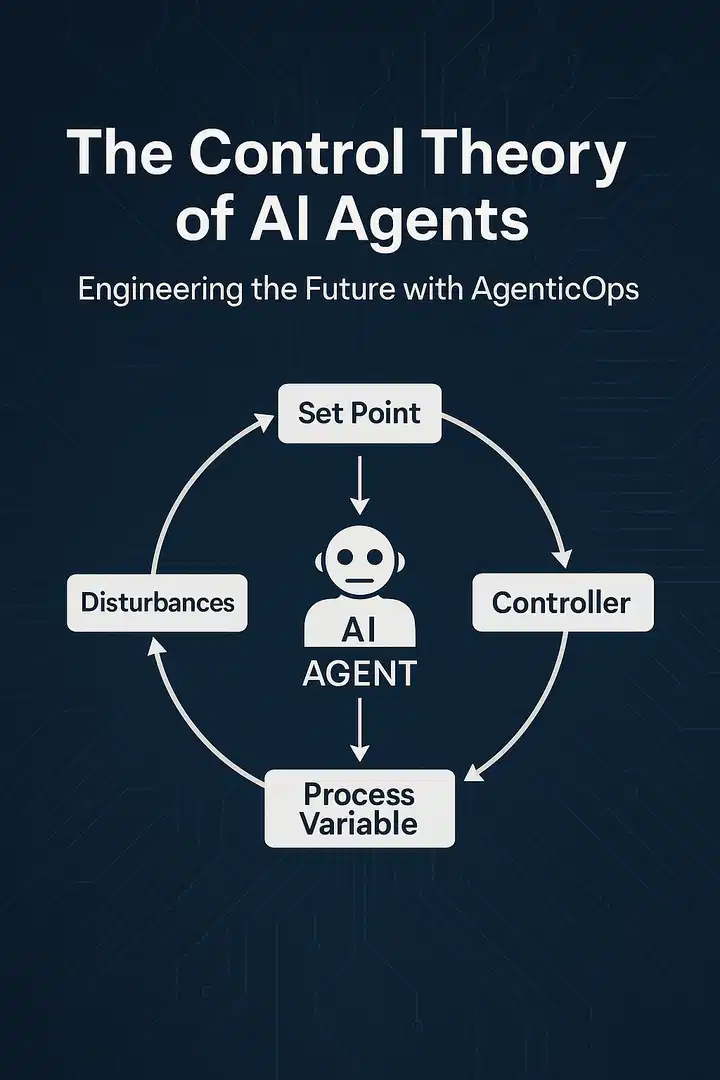
1. Build & Test Apps Automatically
Instead of manually testing your app:
- Claude builds the app
- Launches it
- Clicks through all features
- Captures errors
This replaces hours of manual QA work.
2. Debug UI Issues Visually
Tell Claude:
“Fix the modal clipping issue”
Claude will:
- Resize windows
- Reproduce the bug
- Screenshot it
- Patch the UI
This is something traditional AI couldn’t do before.
3. Automate GUI-Only Tools
Many tools don’t have APIs.
Now Claude can:
- Use design software
- Control simulators
- Operate proprietary tools
This unlocks automation in previously impossible environments
4. End-to-End Workflow Automation
Imagine this:
- Open browser
- Log into platform
- Upload content
- Fill forms
- Submit
All handled by Claude.
This is where AI agents replace human operators.
Claude computer vs Other AI Agents
| Feature | Claude Computer | OpenAI Operator | AutoGPT |
|---|---|---|---|
| GUI Control | ✅ Yes | ✅ Limited | ❌ No |
| CLI Integration | ✅ Native | ❌ | ❌ |
| Real-Time Interaction | ✅ | ✅ | ⚠️ Limited |
| Ease of Setup | ⚠️ Medium | Easy | Hard |
| Accuracy | High | High | Variable |
Key Insight:
- AutoGPT is autonomous but unreliable
- OpenAI Operator is powerful but ecosystem-limited
- Claude sits in the sweet spot: control + usability
When Claude Uses Computer Control (Decision Logic)
Claude doesn’t always jump to controlling your screen.
It follows a hierarchy:
- API / MCP tools → fastest
- CLI commands → efficient
- Browser tools → structured
- Computer use → last resort
This ensures efficiency and avoids unnecessary slow operations.
Key Advantages & Limitations
Advantages
- Works with any software (even without API)
- Visual debugging capability
- Real-world execution
- Reduces manual work dramatically
Limitations
- macOS only (for now)
- Slower than API automation
- Requires permissions (security concerns)
- Not fully autonomous yet
Strategic Insight: Why This Changes Everything
This is where most creators think small
They see:
“Cool feature”
You should see:
New business model
Opportunity Stack
If Claude can operate a computer:
You can build:
- AI automation agencies
- No-code SaaS operators
- Workflow automation systems
- AI virtual employees
Example Business Idea:
“AI Workflow Automation for SMEs”
Offer:
- Data entry automation
- CRM updates
- UI testing
- Content uploading
All powered by Claude.
High-margin, scalable, global.
FuturFuture of AI: From Tools to Operatorse of AI: From Tools to Operators
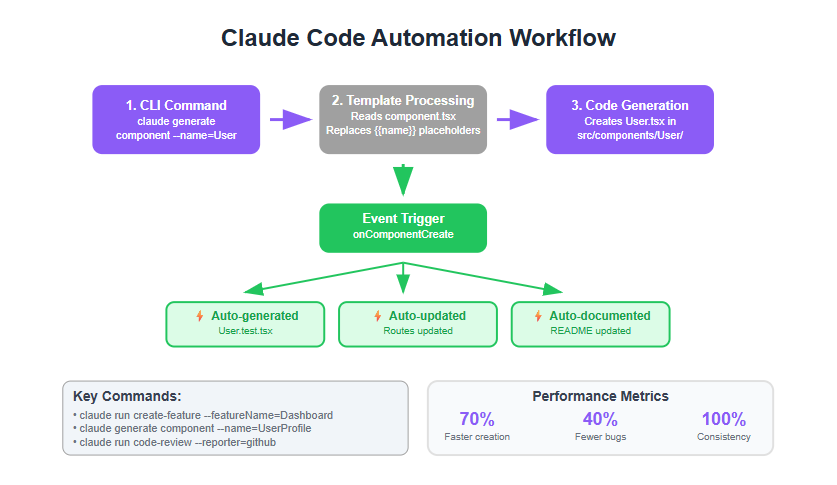
We’re entering a new phase:
Phase 1: AI Assistants
(ChatGPT, Claude basic)
Phase 2: AI Co-pilots
(GitHub Copilot, Notion AI)
Phase 3: AI Operators
(Claude Computer, autonomous agents)
Next step: Fully autonomous digital workers
AI research and products that put safety at the frontier
Key Takeaways
- Claude computer is not a feature—it’s a paradigm shift
- It bridges CLI and GUI automation
- It unlocks new business opportunities
- It signals the rise of AI operators






Gaurav Koshi
nice post